LoadsThe book of every shipment you haul.
Each load is one agreement: a pickup, a delivery, a commodity, a weight, a rate and the customer who pays.
What it does
Delivery writes the invoice
Marking a load delivered runs one indivisible transaction: it stamps the delivery, resolves sales tax from the destination province, prices your customer's fuel surcharge from their own schedule and writes a draft invoice — or records exactly why it skipped, such as a missing POD.
No work nobody can bill
The database refuses to dispatch a load with no customer attached, and a duplicate-tender guard refuses a re-used load number for the same customer when a broker re-sends a rate confirmation.
Book from a PDF
On Start and up, upload a rate confirmation and AI import pre-fills the booking sheet. The form is the review step: nothing saves until you do.
Money only for those who should see it
Rates, rate per mile, toll estimates and totals are masked for roles without rate visibility, so a dispatcher can run the whole board without seeing margins.
Split, farm out, hand over
Split a load into two legs at a cross-dock, tender it to a partner carrier, or record a mid-journey hand-over — each one kept on the same record.
Start from a saved lane
Start a new load from a lane template that shows the captured rate and customer, so a stale price is seen before it is applied.
The detail, when you want it
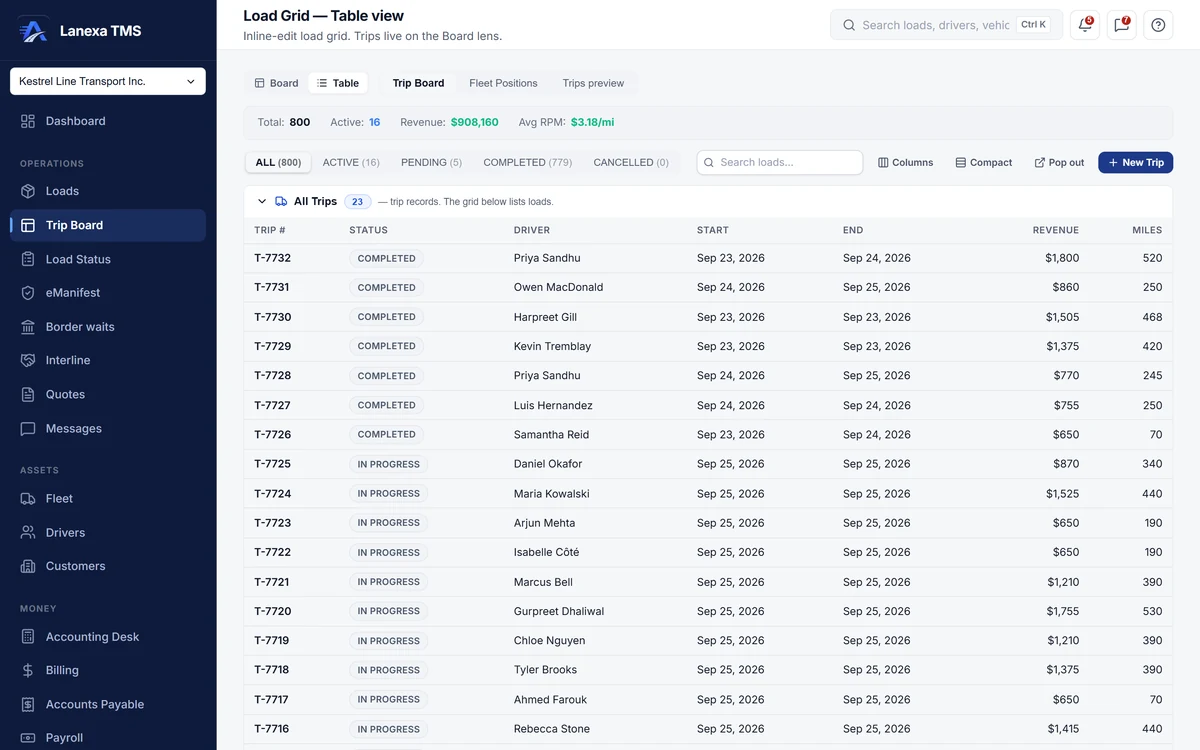
Everything live in Loads12
- Active and history views with live counts per status
- Table or card view, with your column choices remembered
- Search, sort, pickup presets, equipment, customer and cross-border filters
- The load record: overview, journey, financials and messages
- A milestone rail and next-action buttons on every load
- Driver picker that lists available drivers first
- Customer resolver for parties not yet in your book
- CSV and Excel export of the filtered list
- Restore a deleted load
- Message the driver with a rate confirmation or load summary PDF attached
- Cross-border wait line on the load record
- Deep links that open one load from anywhere in the product
Which plan includes itThe load ledger — booking, the load record, statuses and exports — is on every plan, including Solo (30 loads a month, soft cap).
The dispatch board, assignment, load splitting and AI rate-confirmation import are on Start and up. Compare plans
How we count157 live capabilities of 170 catalogued.
Each capability is one control, field, tile, column or disclosed number, counted one by one. The registry
What happens when a load is marked delivered?
One database transaction stamps the delivery, resolves sales tax from the destination province, applies your customer's fuel surcharge and writes a draft invoice.
If the customer's POD or document rules are not met, it skips the invoice and records exactly why in the activity log.
Can I create a load from a rate confirmation PDF?
Yes, on Start and up. Upload the PDF in the booking sheet and AI import pre-fills the fields; you review and save.
Can a dispatcher see our rates?
Rates, margins and totals on the load ledger are masked for roles without rate visibility, and the dispatcher role does not include it by default.
Visibility is set per person, per company.