Live Trips
One row per truck and driver on the road, with the last thing that happened and the next thing that should. A one-icon warning ladder puts trouble where you will see it.
The Trip Board answers the two questions a dispatcher has before lunch: where is every truck right now, and what freight still has nobody driving it. See a truck coming free, look down at the pool, and put the two together without leaving the page.
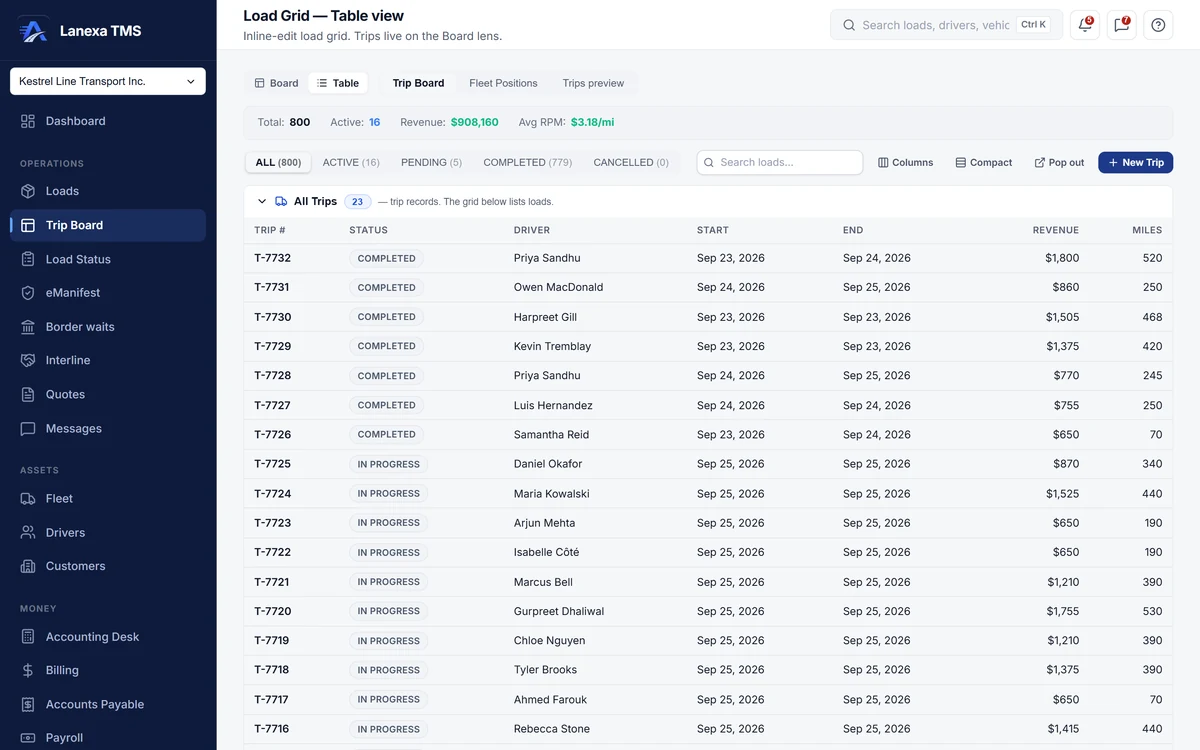
One row per truck and driver on the road, with the last thing that happened and the next thing that should. A one-icon warning ladder puts trouble where you will see it.
Every booked load not yet delivered, whether or not anyone is assigned. Flag a load red, yellow or green and flagged loads float to the top.
The selected trip's stops in order. Complete a stop and it writes a permanent movement event, moves the truck and trailer, and pushes the load's status forward.
Every asset on an active trip on a map, filtered by trip status. A unit with no GPS position gets an approximate pin, marked as approximate.
The same work as a dense spreadsheet grid: freeze, reorder and resize columns, edit the next event inline, and move around by keyboard.
Pop the Load Pool into its own window. Selections and queries mirror between the two, and saved layouts and named queries come back when you do.
Completing a stop is not bookkeeping. It is what makes the truck's position, the fuel-tax miles, the driver's pay and the invoice true rather than typed.
Each of these is a rule in the database, not a line on a checklist.
Freight dispatched with nobody to bill
The database refuses to dispatch a load with no customer attached.
The same load booked twice
A duplicate-tender guard refuses a re-used load number for the same customer.
A delivered load nobody invoices
Marking a load delivered writes the draft invoice in the same transaction, or records why it did not.
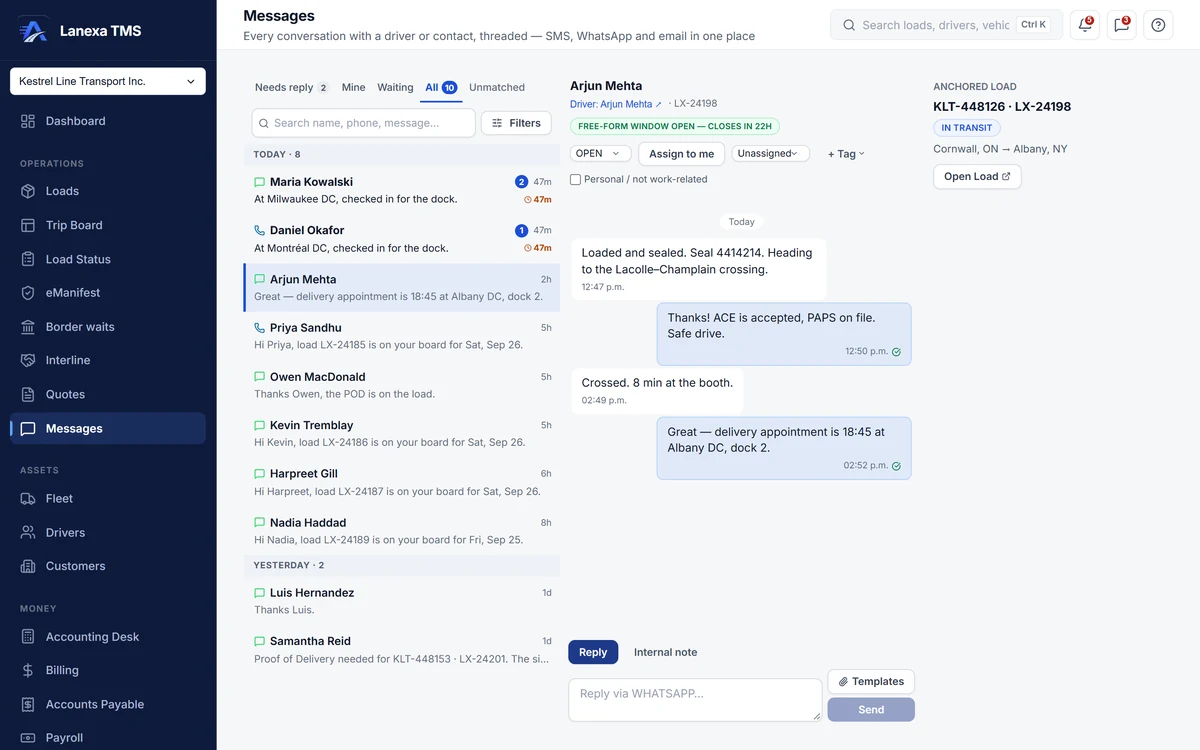
Every text, WhatsApp message, email and internal note with a driver, customer or broker, on one running thread anchored to the load.
The inbox opens on Needs reply — conversations where the other person spoke last and nobody has answered — not on unread.
Drivers work from links and messages in their phone's browser. There is nothing to install and nothing to log in to.
Driver texting by SMS from your company's number is on Start and up. WhatsApp for your fleet: An add-on on Start and Fleet · included on Enterprise.
Rates, margins and totals are masked on the load ledger and dashboard for roles without rate visibility, and the dispatcher role does not include it by default. Visibility is set per person, per company.
Security and rolesSolo has the load ledger — booking, the load record, statuses and exports — but not the dispatch board.
The load and the trip stay on one record from there.
Yes, on Fleet. Hours-of-service clocks are read from your connected Samsara or Geotab account and shown beside the driver.
It is set per person, per company.
No. Drivers work from links and messages in their phone's browser, by SMS, or on WhatsApp with the add-on.